Banner Ads
Classic display banners in every standard size, on desktop and mobile.
What are banner ads?
Banner ads are images placed in a fixed area of a web page, above, beside or below the content. ExoClick serves them in all the standard sizes, as images, short MP4 videos or iframe code.
Three variations add more options: the Sticky Banner, the Large Footer and Multi-Format Ads, where banners and native ads compete for the same placement.
ExoClick banner formats
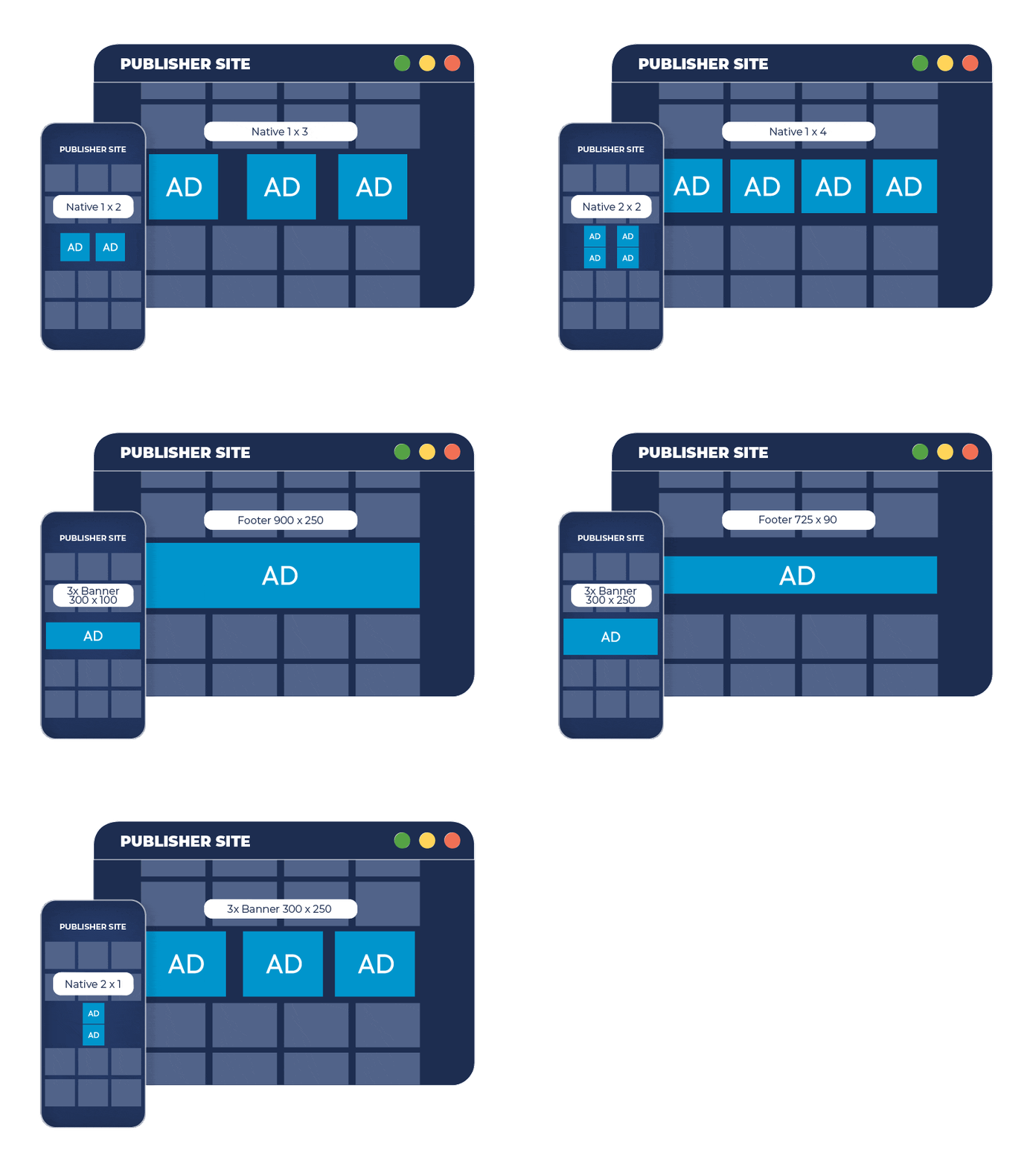
Multi-Format Ads
Multi-Format Ads serve multiple ad formats, banners or native widgets, in just one placement, pitching the banner and native ads against each other and serving the ad with the highest bid in the ad zone.- Sizes: Native images 300×300 to 900×900
- Files: Banner jpeg, png, gif. Native jpeg, png
- Max weight: 150 KB
- Text: Title 50 characters, description 90, brand 30
- Bidding: CPM, CPC
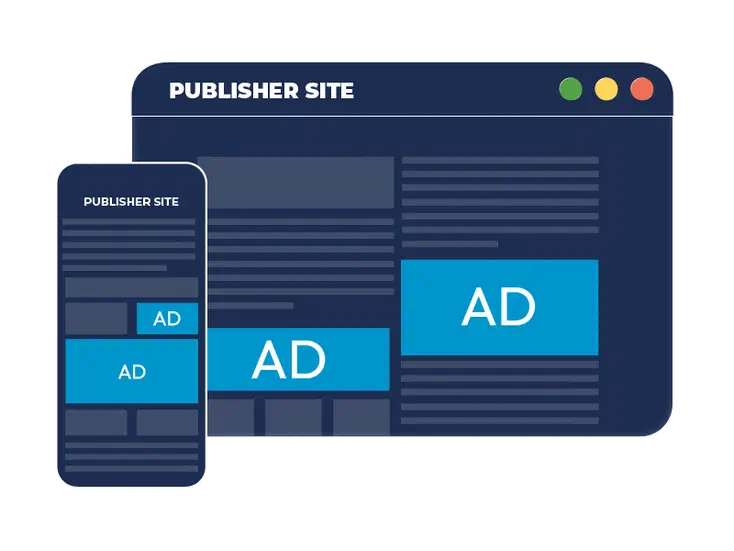
Display Banner
Classic display banners in many sizes: 300×100, 300×250, 300×500, 728×90, 160×600, 900×250 (footer).- Sizes: 300×100, 300×250, 300×500, 728×90, 160×600, 900×250 (footer)
- Files: jpeg, png, gif
- Max weight: 150 KB
- Bidding: CPM, CPC
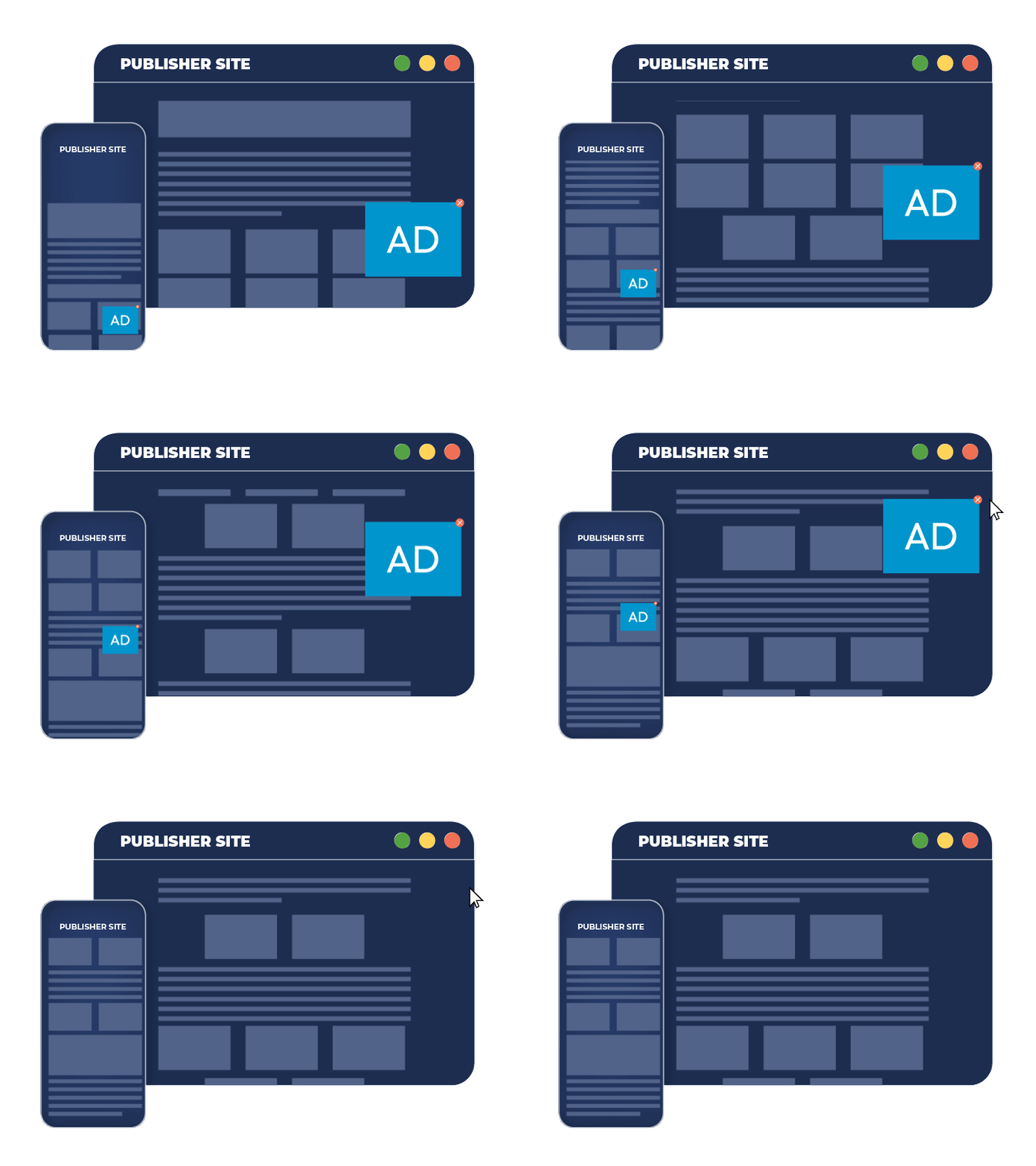
Sticky Banner
A display banner that can be made to ‘stick’ in a specific position on a desktop screen; 9 positions are available. The sticky banner comes in various sizes.- Files: jpeg, png, gif
- Max weight: 150 KB
- Bidding: CPM, CPC
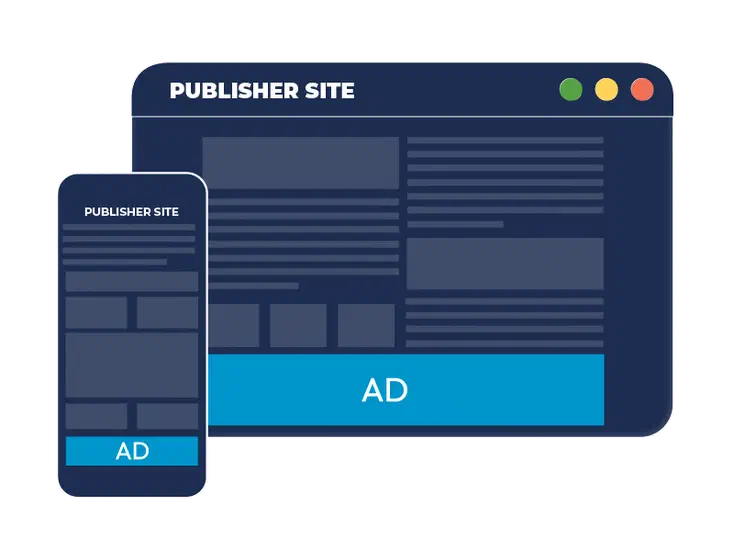
Large Footer
Large footer banner 900×250 used as an alternative to the standard three 300×250 banners.- Sizes: 900×250
- Files: jpeg, png, gif
- Max weight: 150 KB
- Bidding: CPM, CPC
Banner ads for Advertisers and Publishers
Advertisers (opens in a new tab)
Upload your banners in the sizes you need and set your targeting. Banner and Native inventory comes in large volumes, which suits Nutra and VPN or software offers. Images that merge several pictures into one aren’t accepted.Read the ad format guide: Advertisers (opens in a new tab)Publishers (opens in a new tab)
Add banner zones in the sizes that fit your layout. Combine up to ten Banner and Native zones in one Multi-Format zone, so the best-paying ad wins each placement.Set up a Multi-Format ad zone: Publishers (opens in a new tab)
Banner ads FAQ
Which banner sizes does ExoClick support?
On desktop: 300×250, 300×500, 728×90, 160×600 and 900×250. On mobile: 300×250, 300×100 and 300×50.
Can a banner be a video?
Yes. Banners can be short MP4 videos in the same sizes. They don’t play in UC Browser, so plan an image version for those visitors. For longer videos, see our video ad formats.
What is a Multi-Format ad zone?
A zone that combines up to ten of a publisher’s Banner and Native zones. They compete for each impression, and the ad with the highest eCPM is shown.
How can publishers make banners load faster?
Use asynchronous ad tags, as explained in Get faster banner ad load times with asynchronous tags.
Banner ads on the blog
- How to create great Banner ads How to create great Banner ads: Maximize Display offers conversions with our online advertising Banner ads tips from account managers!

- Publishers: Optimize Footer zones with Native and Multi-Format ads Publishers, learn how to optimize footer zones with Native and Multi-Format ads and increase your revenue!
- Publishers! Comparing Outstream to Banner eCPMs & CTRs Publishers using Outstream get a much higher eCPM and CTR compared to Banners.