
Ad Formats
19 ad formats for desktop and mobile: Display, Video, Native, Push Notifications, Popunders, Vertical Video, Email Clicks and more.
Get Started (opens in a new tab)Banners
Multi-Format Ads
Multi-Format Ads serve multiple ad formats, banners or native widgets, in just one placement, pitching the banner and native ads against each other and serving the ad with the highest bid in the ad zone.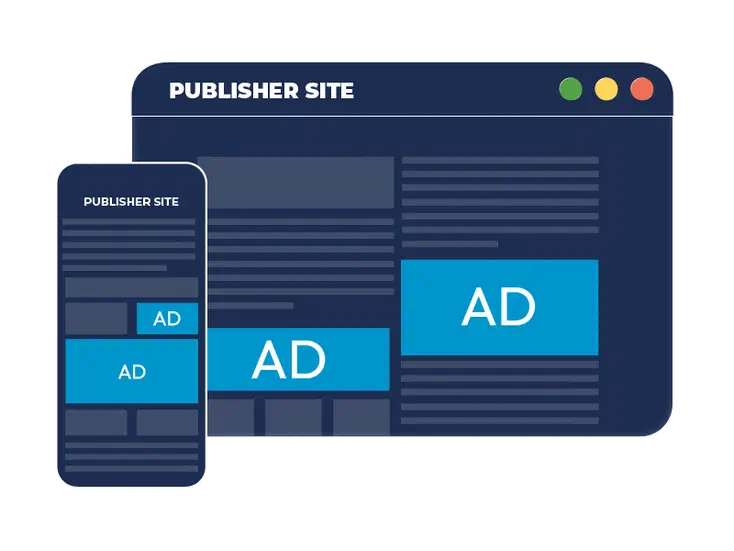
Display Banner
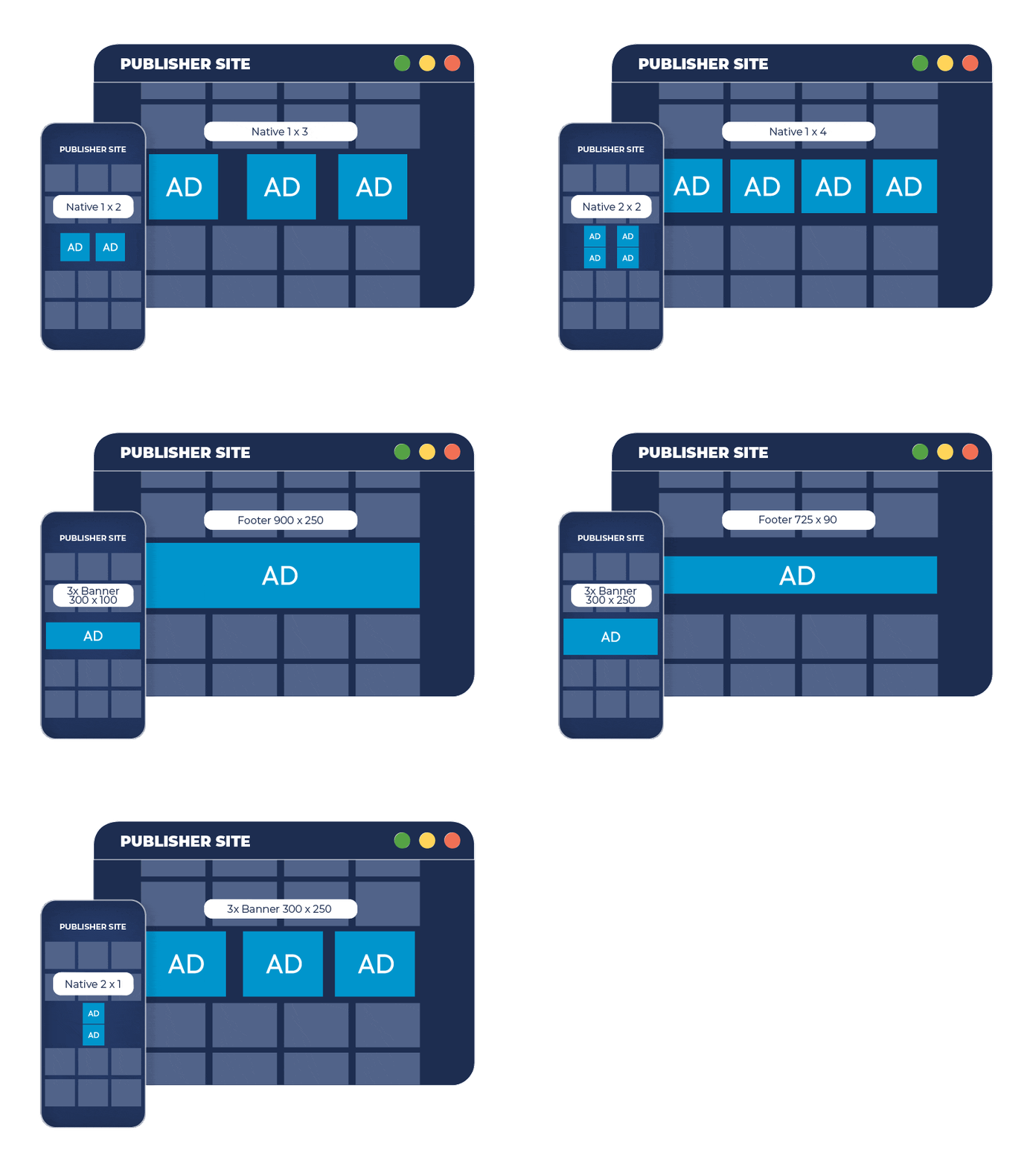
Classic display banners in many sizes: 300×100, 300×250, 300×500, 728×90, 160×600, 900×250 (footer).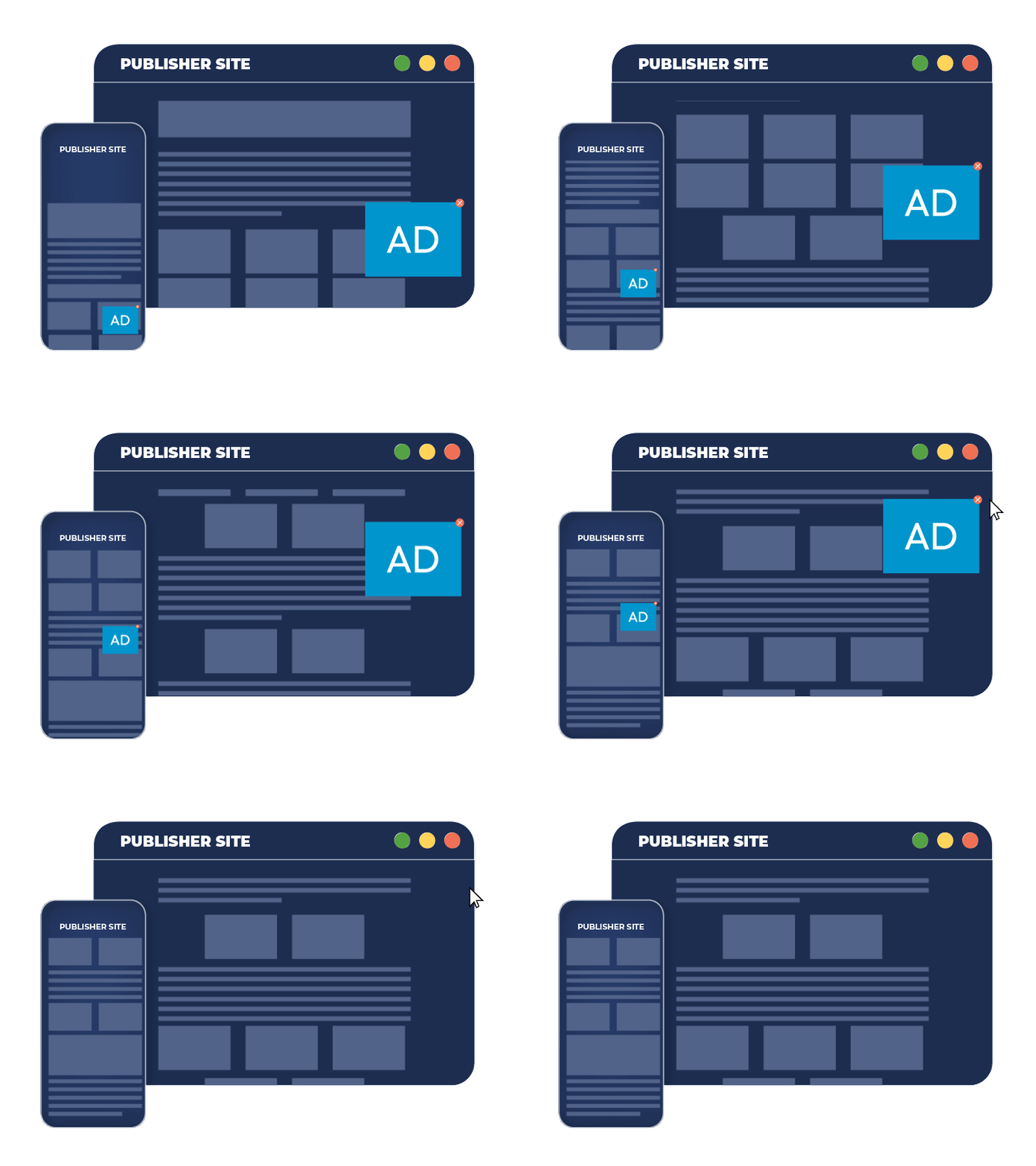
Sticky Banner
A display banner that can be made to ‘stick’ in a specific position on a desktop screen; 9 positions are available. The sticky banner comes in various sizes.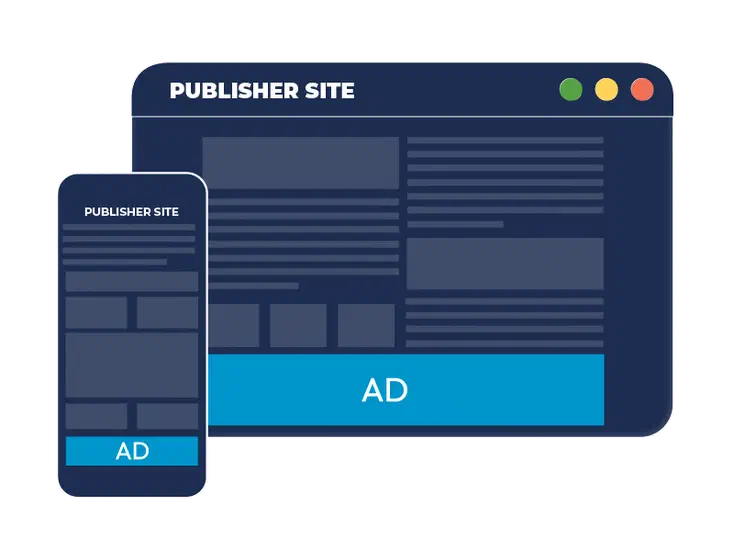
Large Footer
Large footer banner 900×250 used as an alternative to the standard three 300×250 banners.
Direct
Direct Links
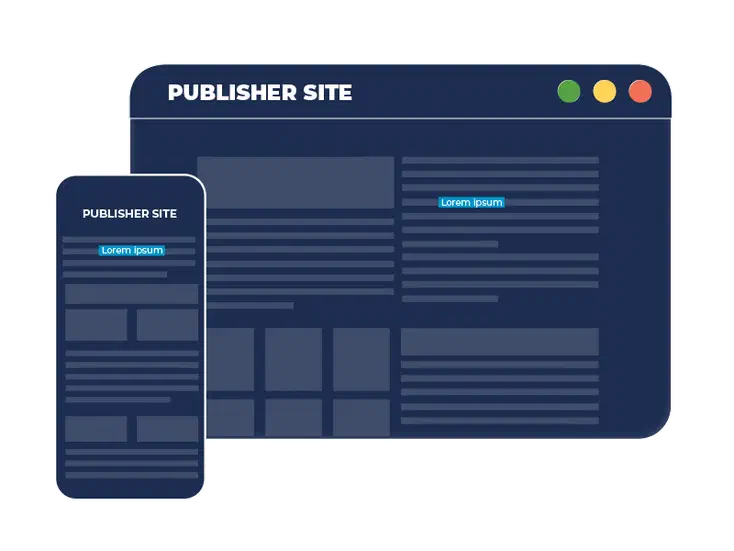
The direct link is a flexible, premium format which can be presented in multiple ways by Publishers based on how their users behave. Targeting users per vertical, this CPC-based format is most popular in the form of full-page tabs, push notifications and back button offers. Available on selected Publishers by request only. This format is not suitable for Popunder traffic.
Email Clicks
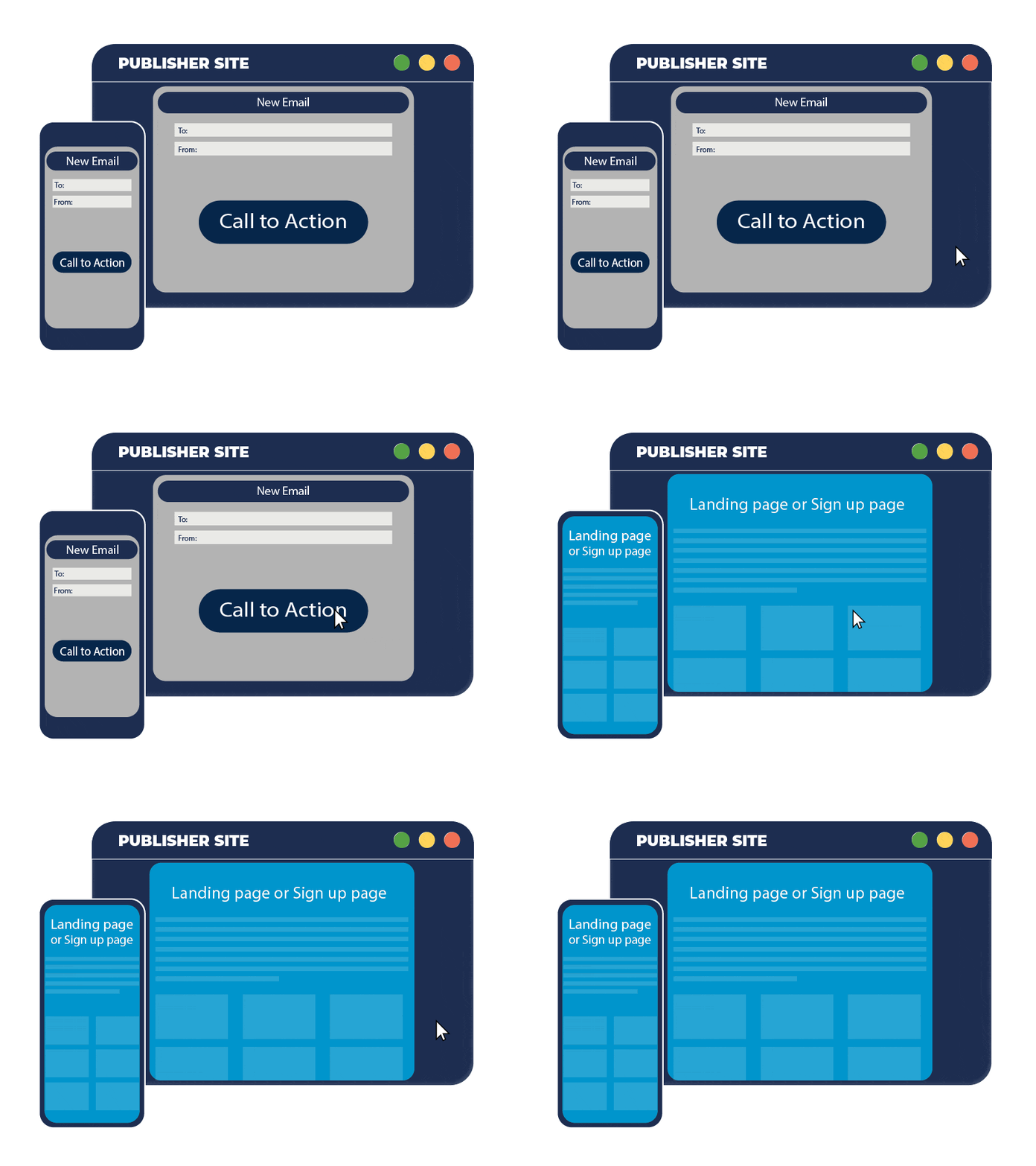
An email is sent to the end user which contains a call to action (advertiser’s link) that directs the user to the advertiser’s landing page or sign-up form.
IM
Mobile Instant Message
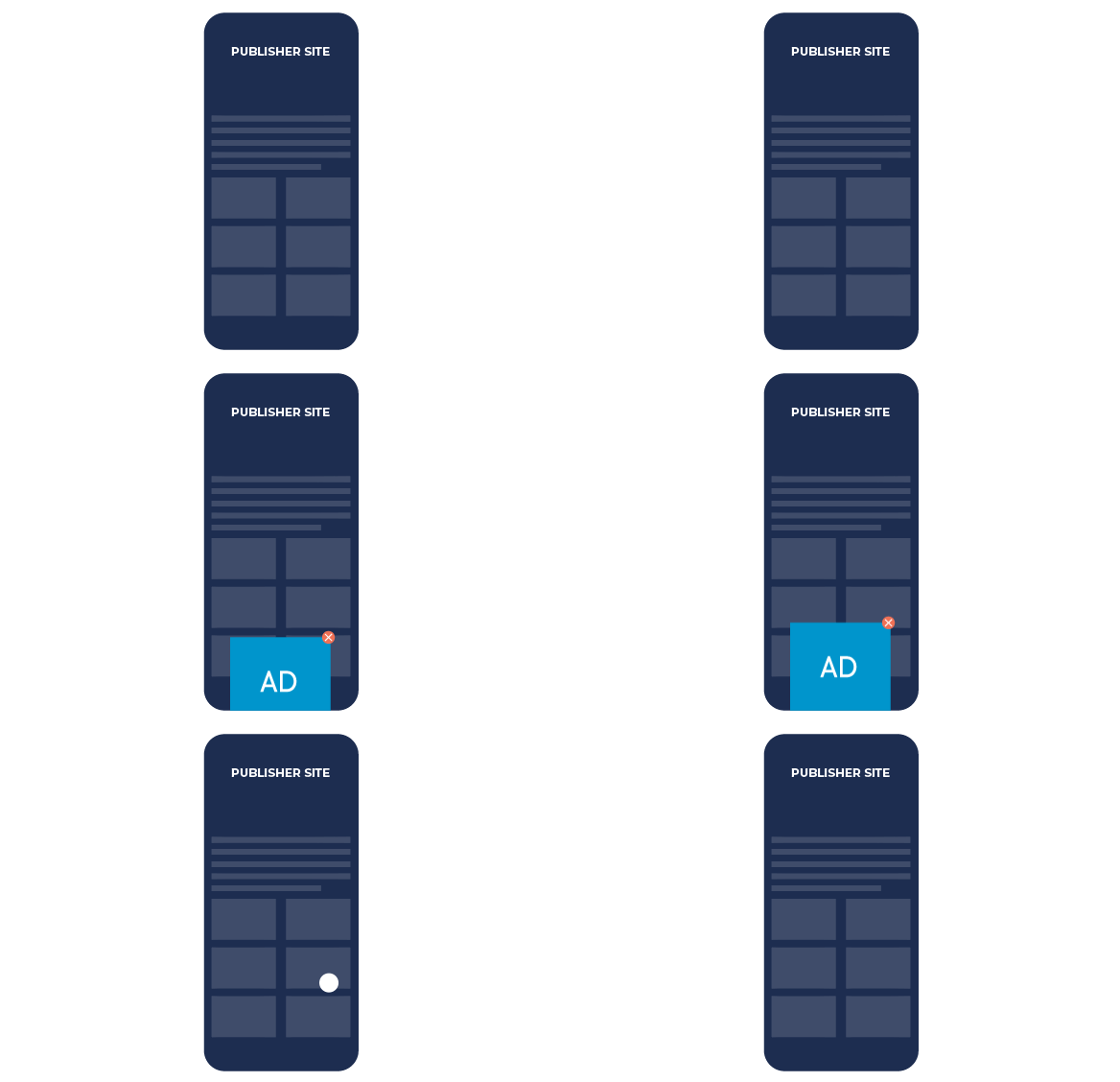
Typically a copy of the instant messenger chat box. This ad format appears to users by displaying a 300×100 banner at the bottom center on mobile.
Interstitial
Desktop Fullpage Interstitial
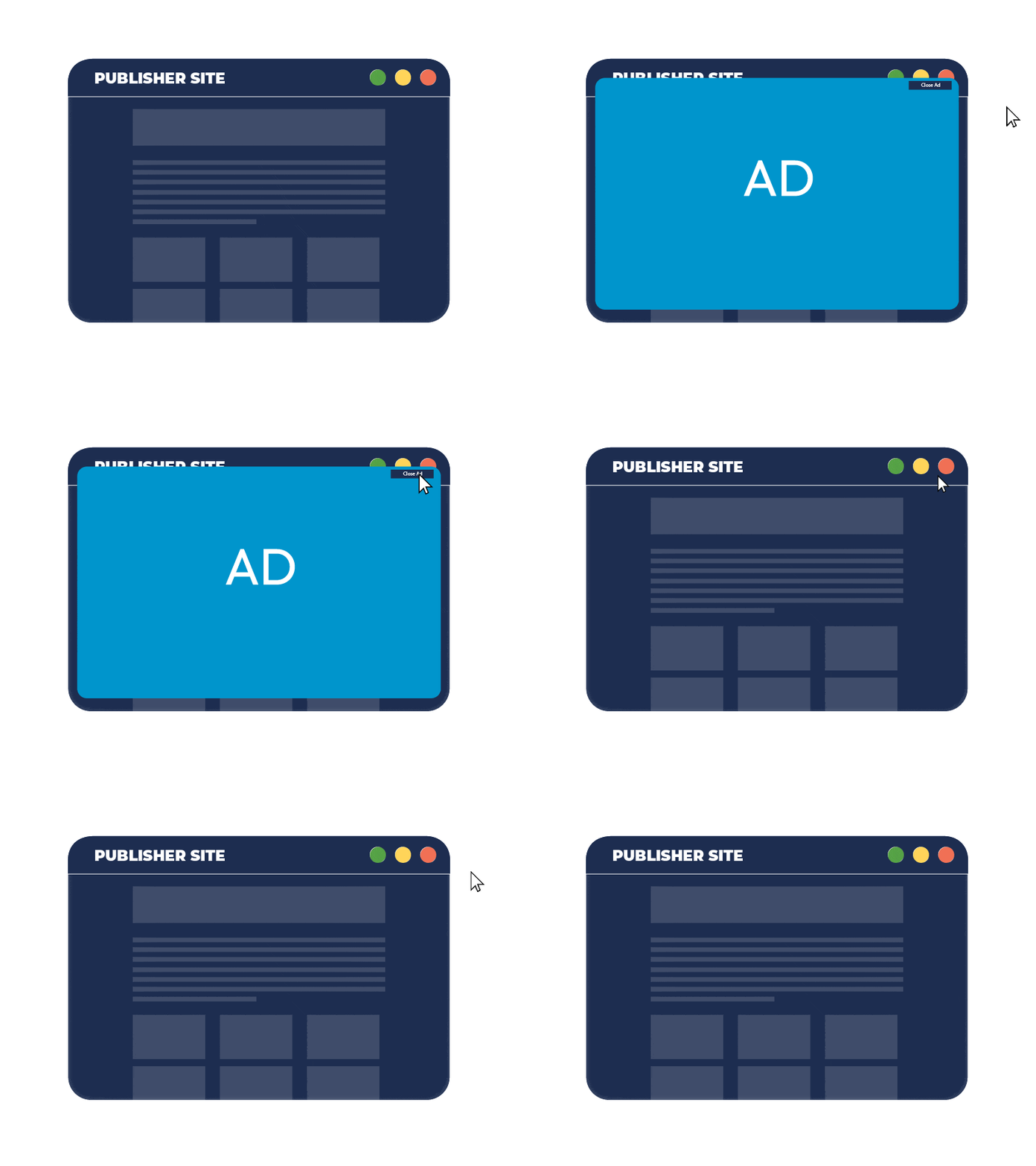
Large full-page format on the horizontal interstitial that fills the full screen of the device, served during user navigation of a website. Google compliant, featuring a ‘Close ad’ option at the top right of the ad.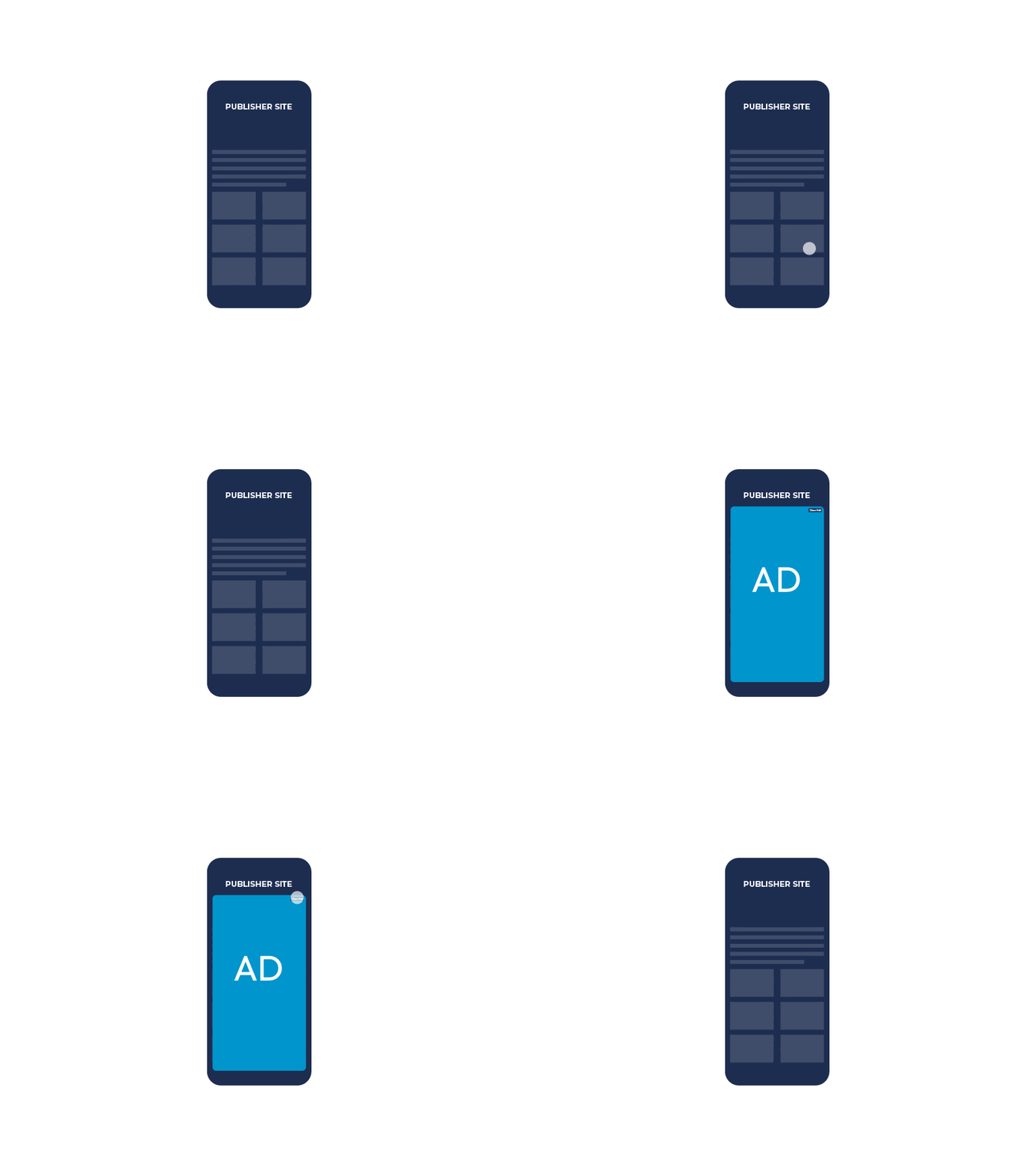
Mobile Fullpage Interstitial
Responsive full-page large format on the vertical interstitial that fills the full screen of the device, served during user navigation of a website. Google compliant, featuring a ‘Close ad’ option at the top right of the ad.
Native
Multi-Format Ads
Banners or native widgets compete in just one placement, and the ad with the highest bid is served in the ad zone.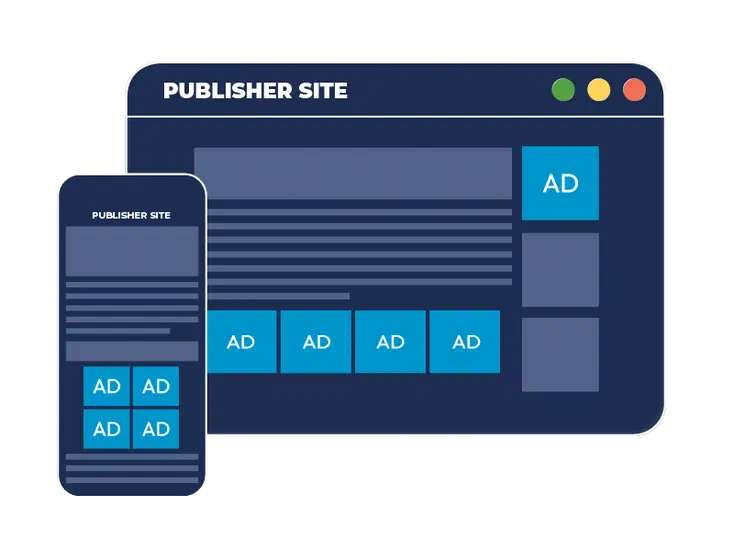
Native Recommendation
Fully customizable widget that features a responsive or custom size image and a short text: title and description. ExoClick’s native ads are fully responsive across all devices: desktop, mobile and tablet.
Popunders
Popunders
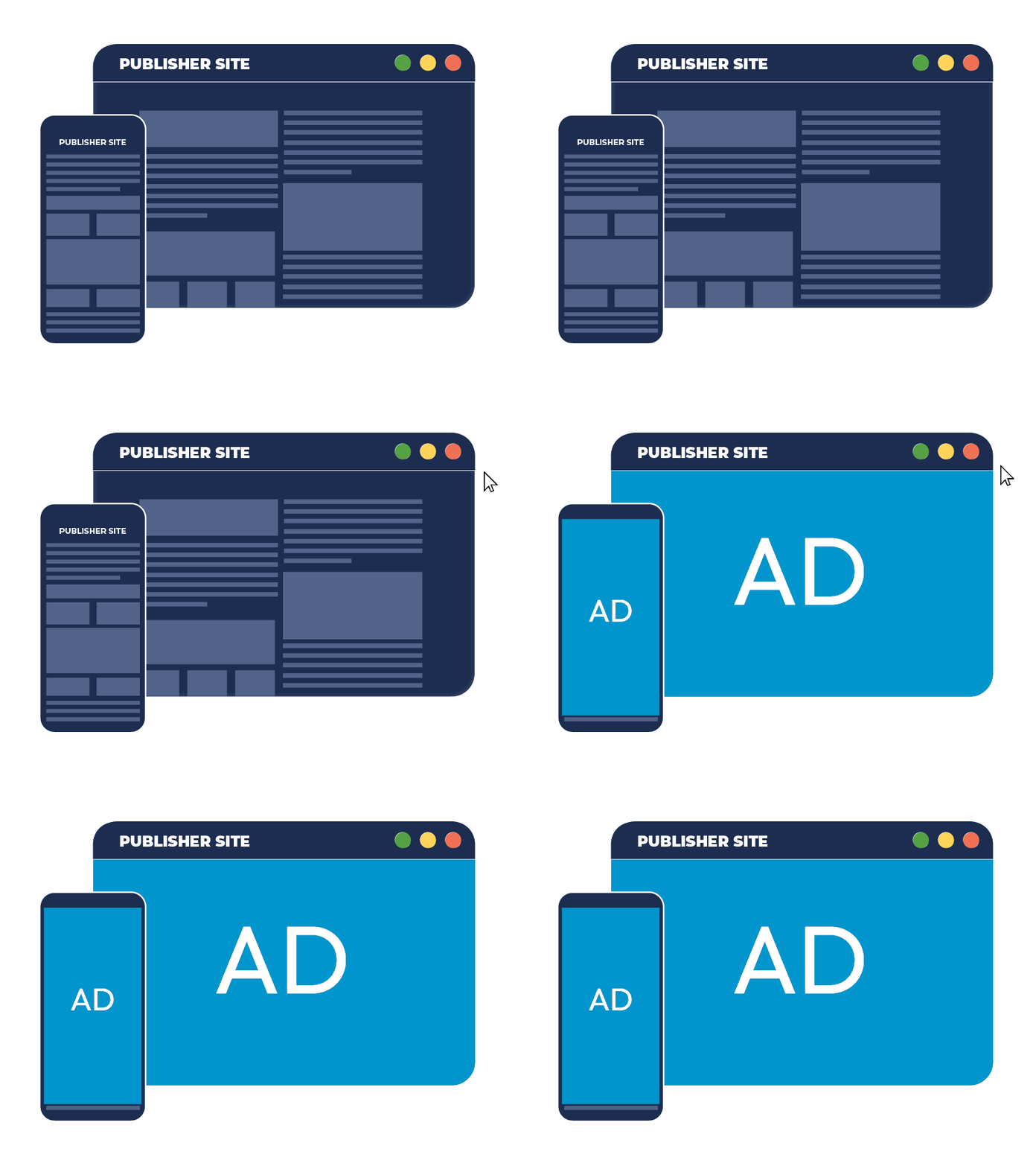
Large format, appears hidden behind the main browser window where it remains unnoticed until the user closes or minimizes the main browser window, which then displays the ad.
Push
In-Page Push Notification
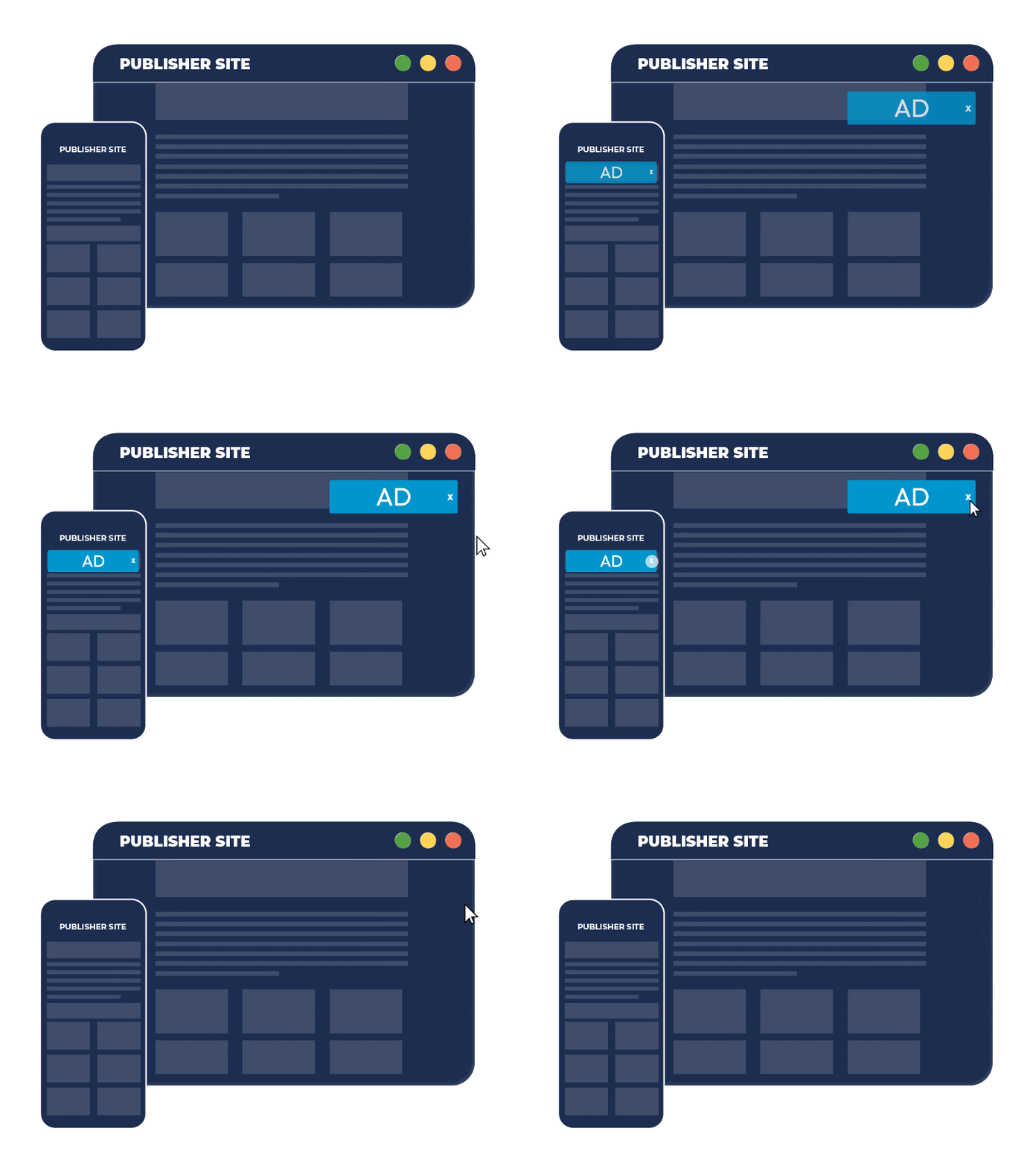
In-Page Push Notification ads are display ads designed exactly like a Push Notification. The ad contains a 192×192 or 720×480 (icon/image) on the left and space for text on the right: title & description. Features a close ad button on the right-hand side.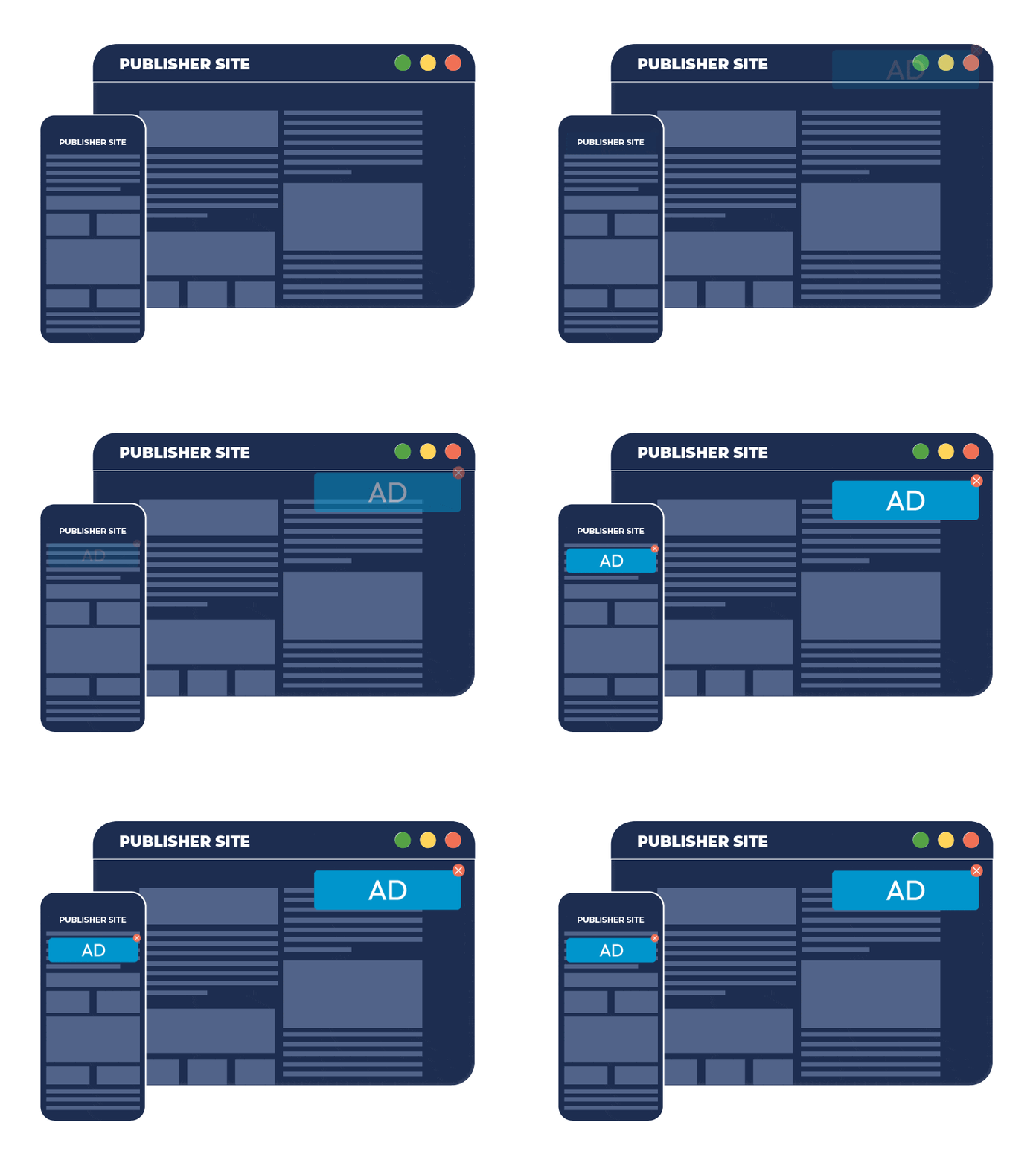
Push Notifications
Push Notifications 720×480 (icon + image) or 192×192 (icon only) and text sent to opted-in users of a publisher’s website. Users receive them on their desktop, tablet and mobile devices even when not browsing the internet.
Video
Outstream
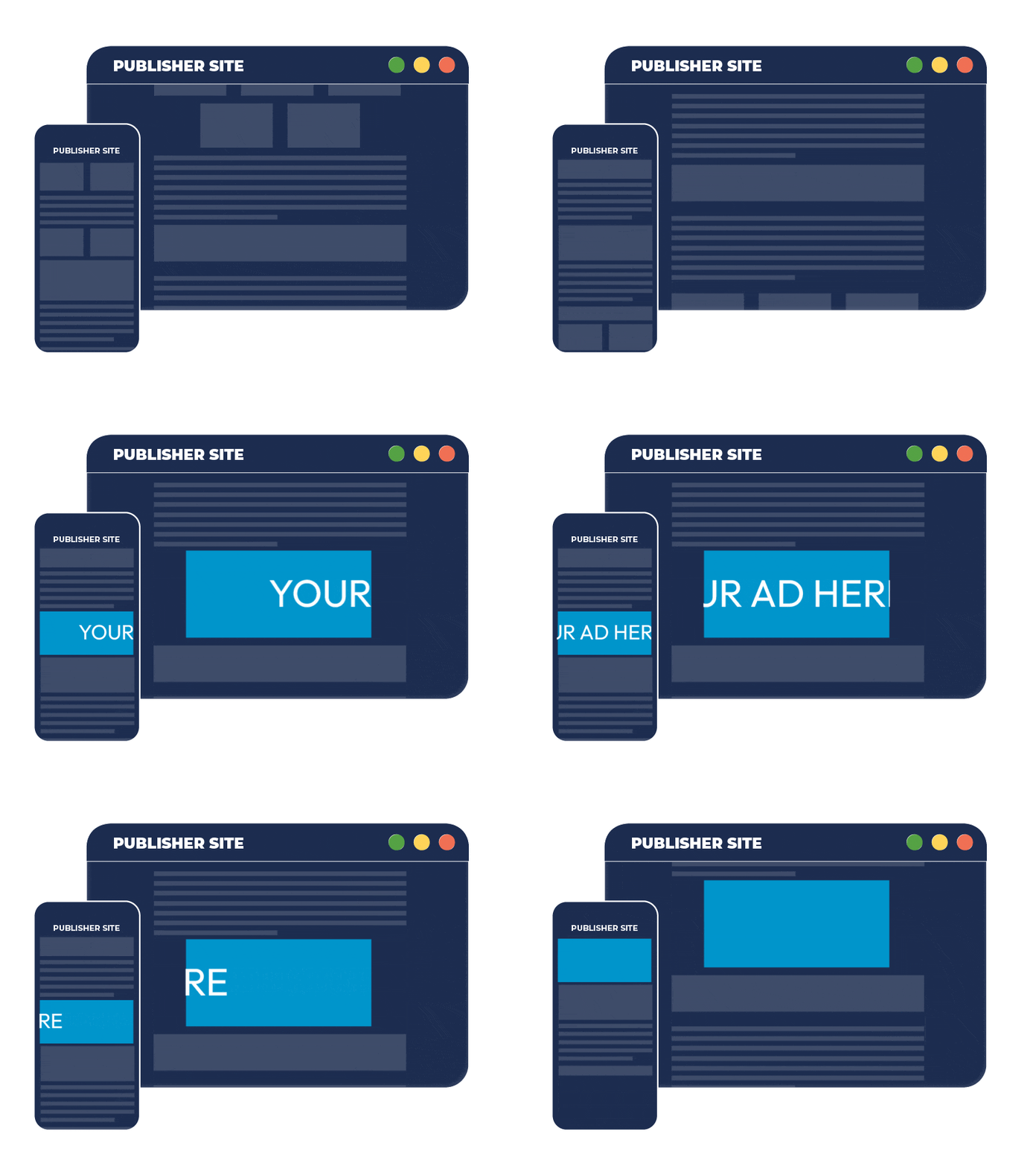
Triggered wherever a Publisher places the ad zone during the user journey, it displays and plays on mute once 50% of the ad zone is viewable to the end user. As the user scrolls away the video ad pauses, and resumes when the user returns to the content where the outstream ad is located.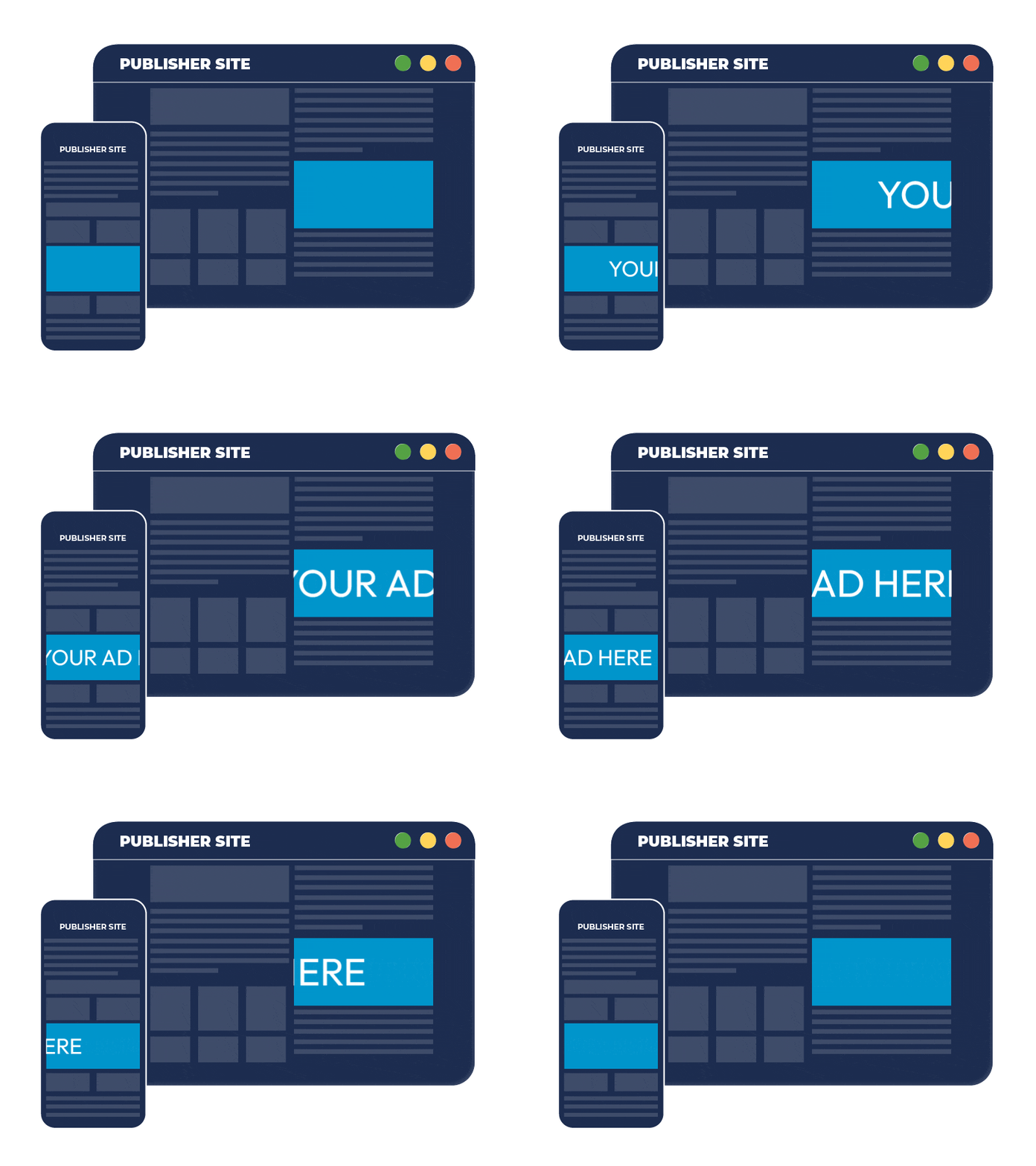
In-Stream Video
Automatically plays when a user clicks on a website’s video content. Customizable with clickable calls to action. Features a Skip ad button.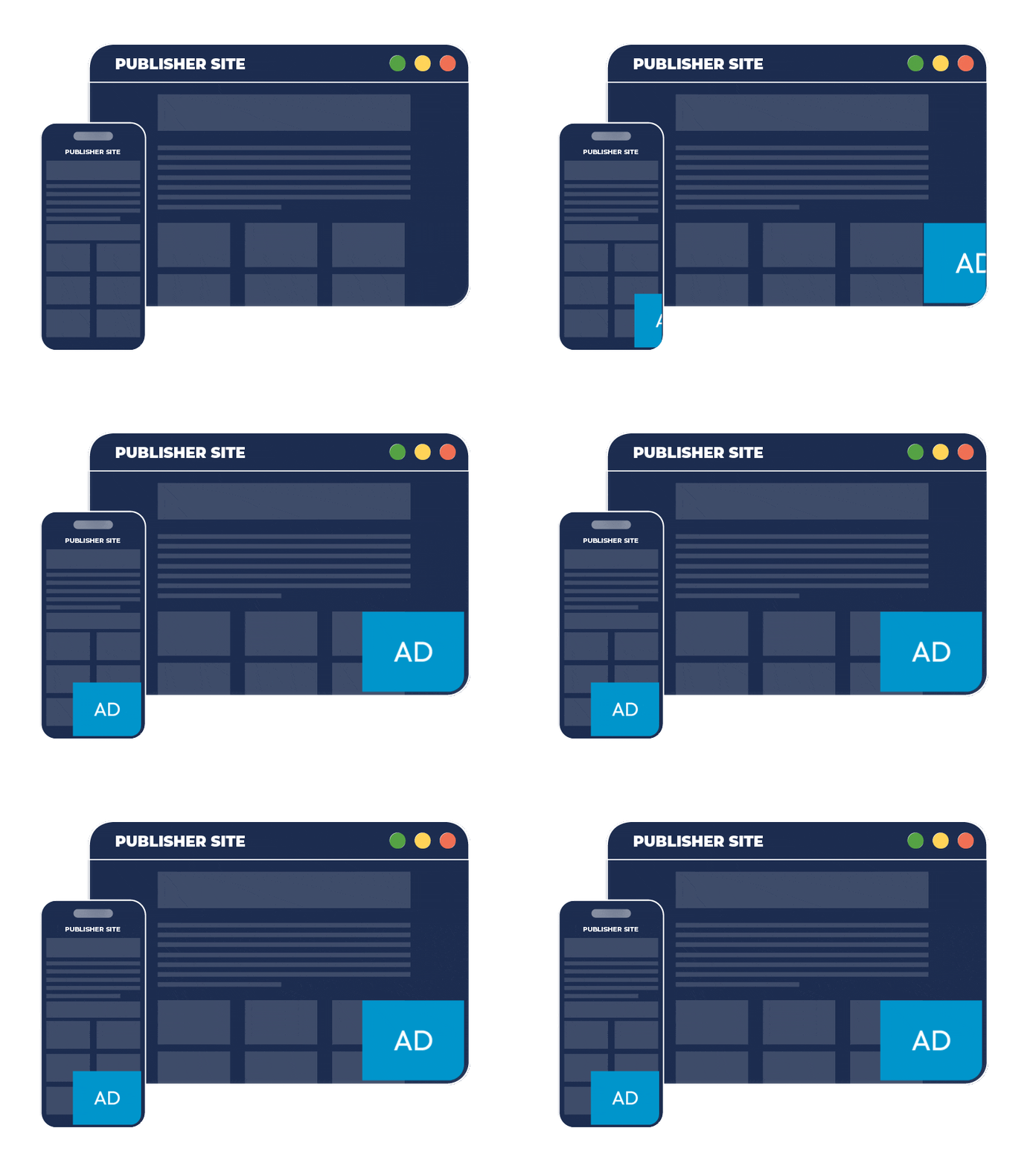
Video Slider
Video format that slides in from the bottom right of a web page once the page has loaded. Features a close ad button.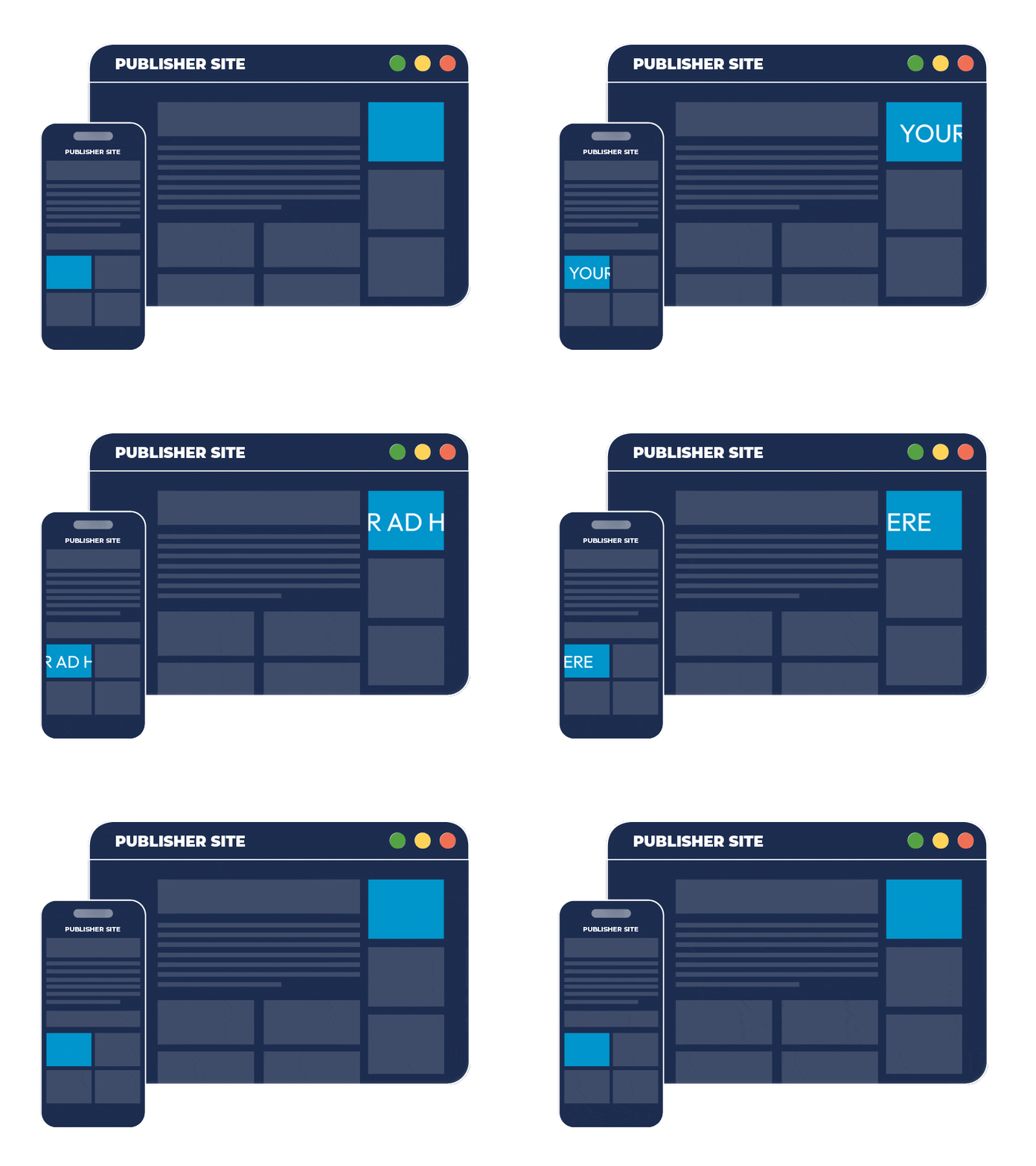
Video Banners
Short video content banners with optimized playback for a fast, glitch-free user experience: 160×600, 300×100, 300×250, 728×90.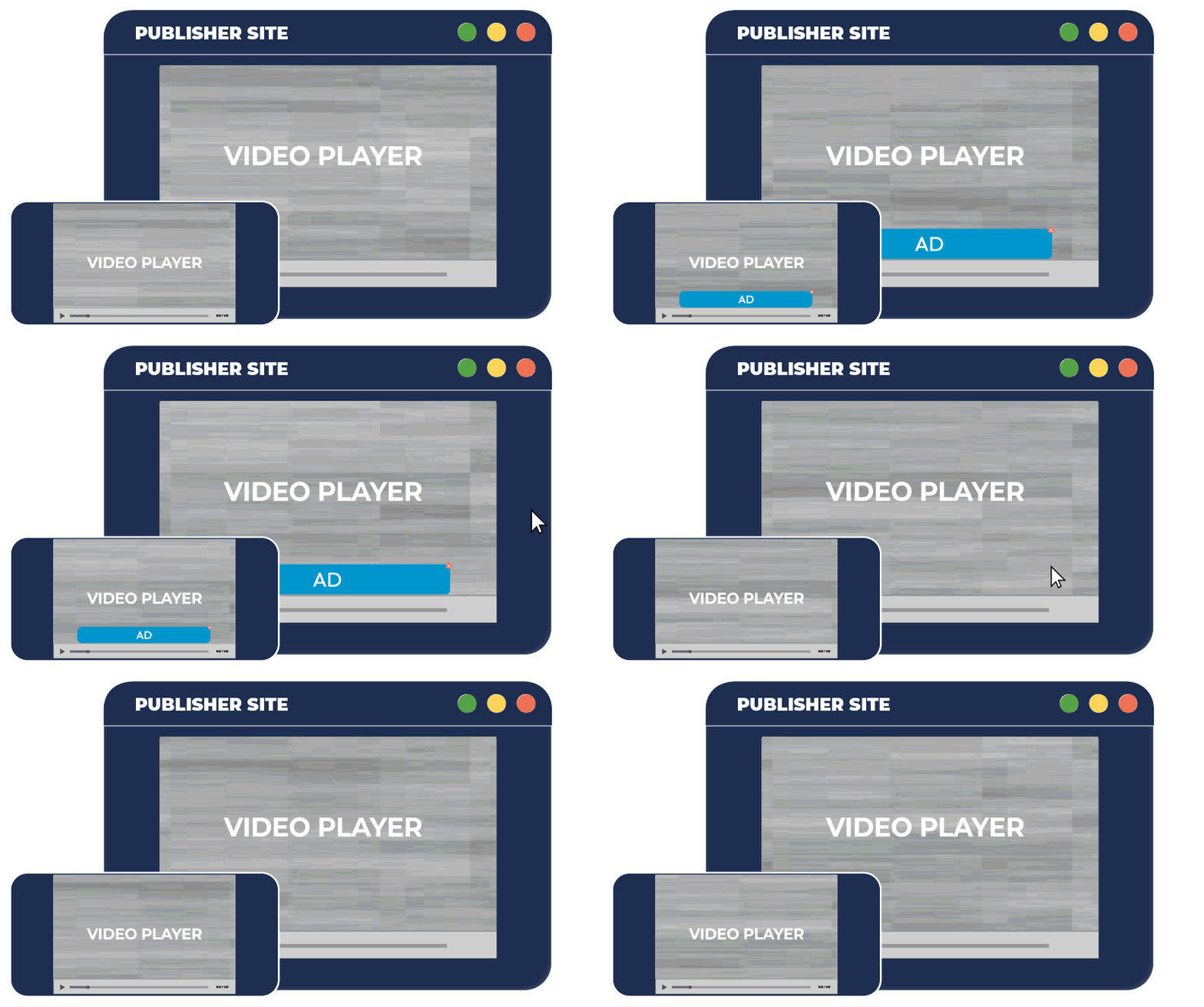
In-Video Banner (VAST)
Displayed within a video player: select pre-roll, post-roll, on pause or custom, 300×250 & 728×90.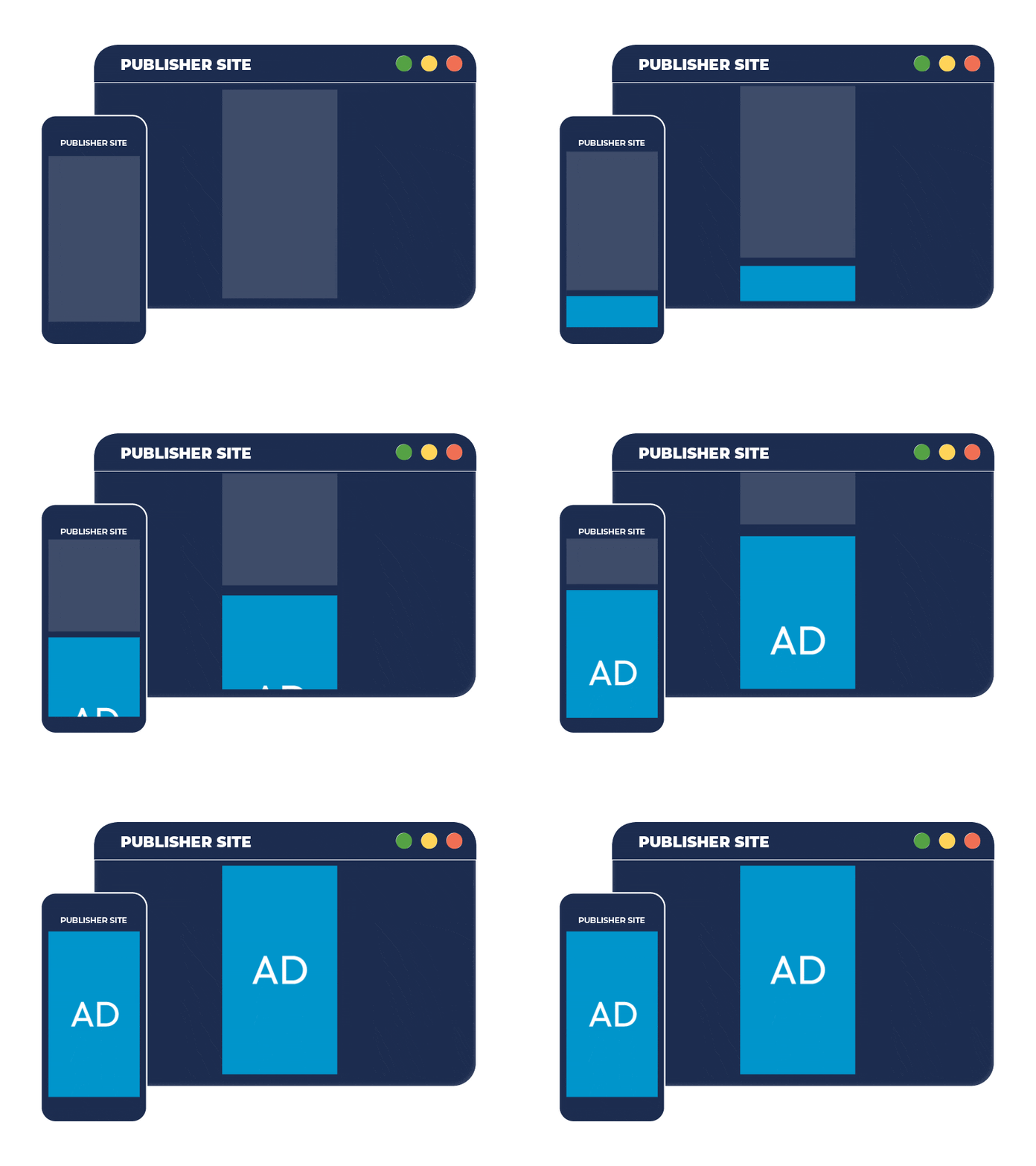
Vertical Video (VAST)
Using VAST, the Vertical Video ad is displayed within a website’s vertical video content. The end user can swipe the video ad away.